Gear Review: Korg nanoKEY2
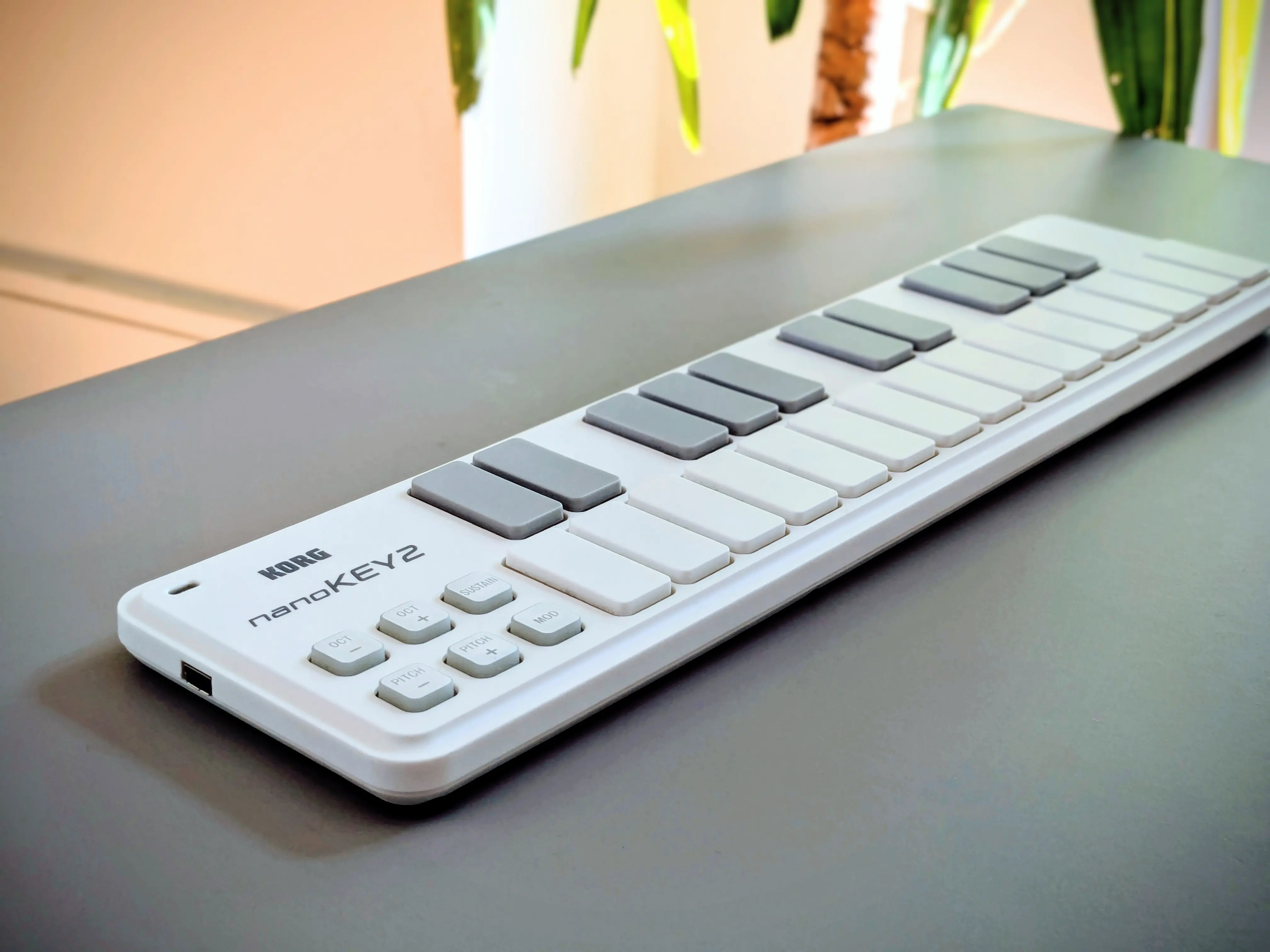
The Korg nanoKey2 is a very compact, two-octave, 25-key midi-controller. It’s simple and easy to use, and best of all, it’s compatible with our online piano here on Digital Piano App.
Taking the device out of the box for the first time, it’s striking how thin it is - just 16 mm. It’s 32.5 cm long (that’s about the same width as an average laptop), 8.3 cm wide and weighs only 244 grams.
This makes it very portable and easy to put in your bag for making music on the move. And it doesn’t require an external power source, because it receives all the power it needs from your laptop’s USB port.
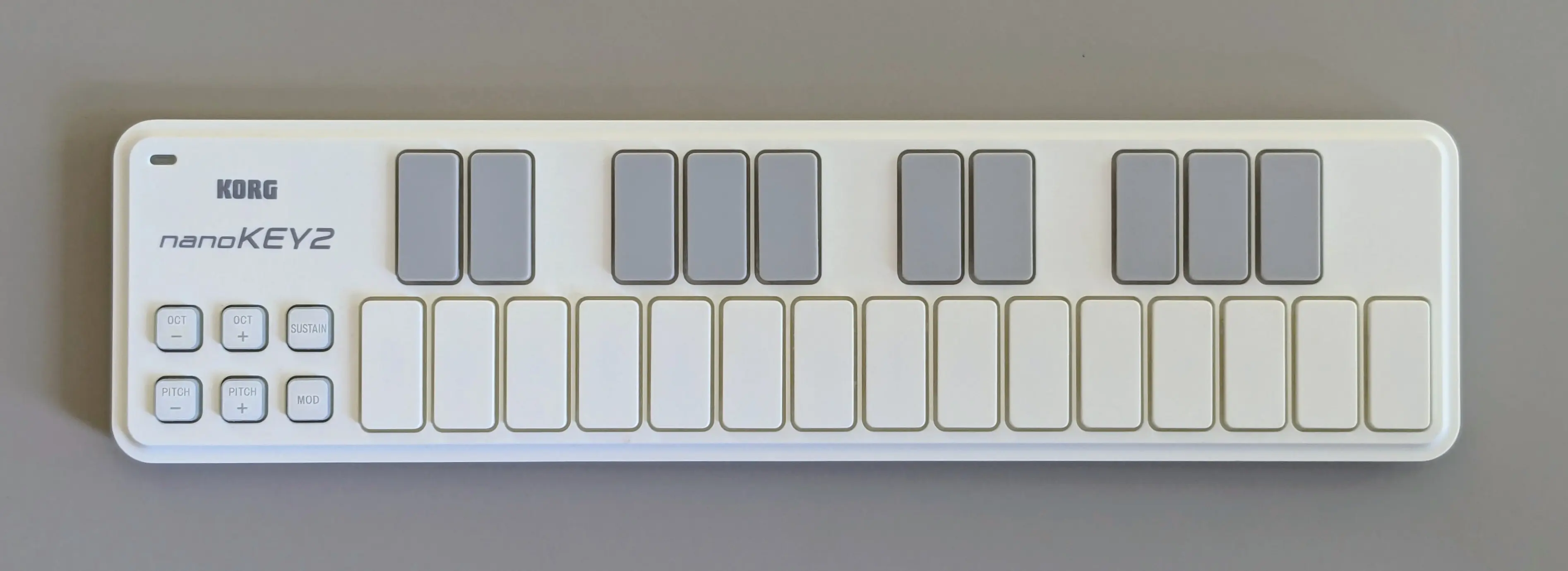
The nanoKey2 looks great and has a timeless, minimalist aesthetic. It’s available in two models, a white version (pictured above), as well as a black version. Korg did also release two limited edition models which have Blue and Yellow, and Orange and Green color schemes [1].
The nanoKEY2 was first released in 2011[2], and now, even 15 years later, it still looks fresh and doesn’t look dated at all.
Buttons and Controls
The nanoKEY2 has six buttons in the lower left corner of the device.
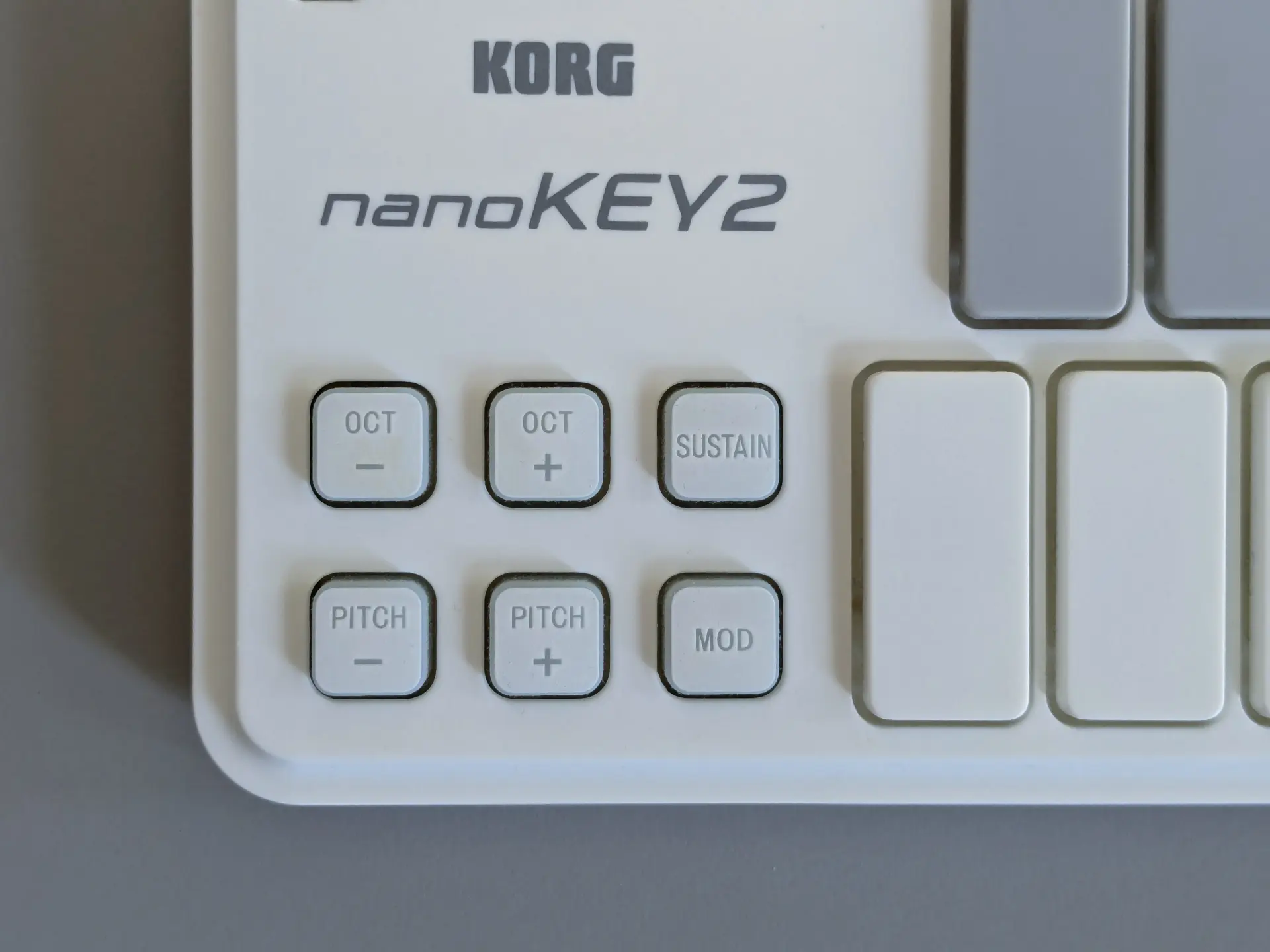
- The OCT + and OCT - buttons allow you to shift your current octave one octave higher or lower.
- The SUSTAIN button allows your notes to sustain, which is useful because it allows you to imitate pressing a sustain pedal.
- The PITCH + and PITCH - buttons are pitch-bend buttons which allow you to shift the pitch of the current note up and down.
- The MOD button activates the modulation effect.
When you use the octave shift buttons, the nanoKEY2 light up the octave buttons with different color leds, to help you remember where you are.
- No light illuminated at all means you are in the default, center octave.
- Green means you are either one octave up or down.
- Orange means you are two octaves up or down.
- Red indicates a shift of three octaves
- Flashing red indicates that you are four octaves away from the default position.
Watch our video below which demonstrates how the lights change color as the octave changes.
Cables and Connections
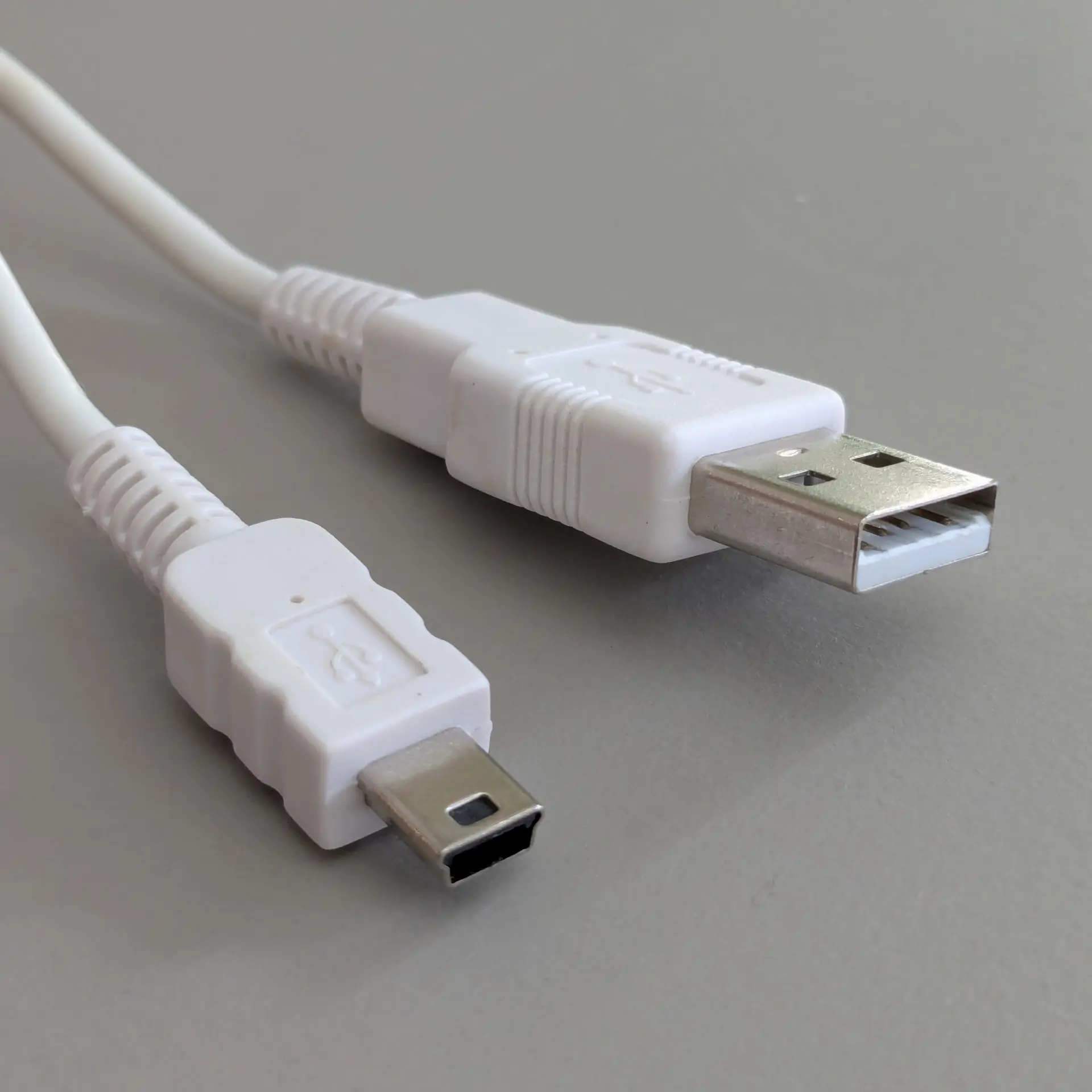
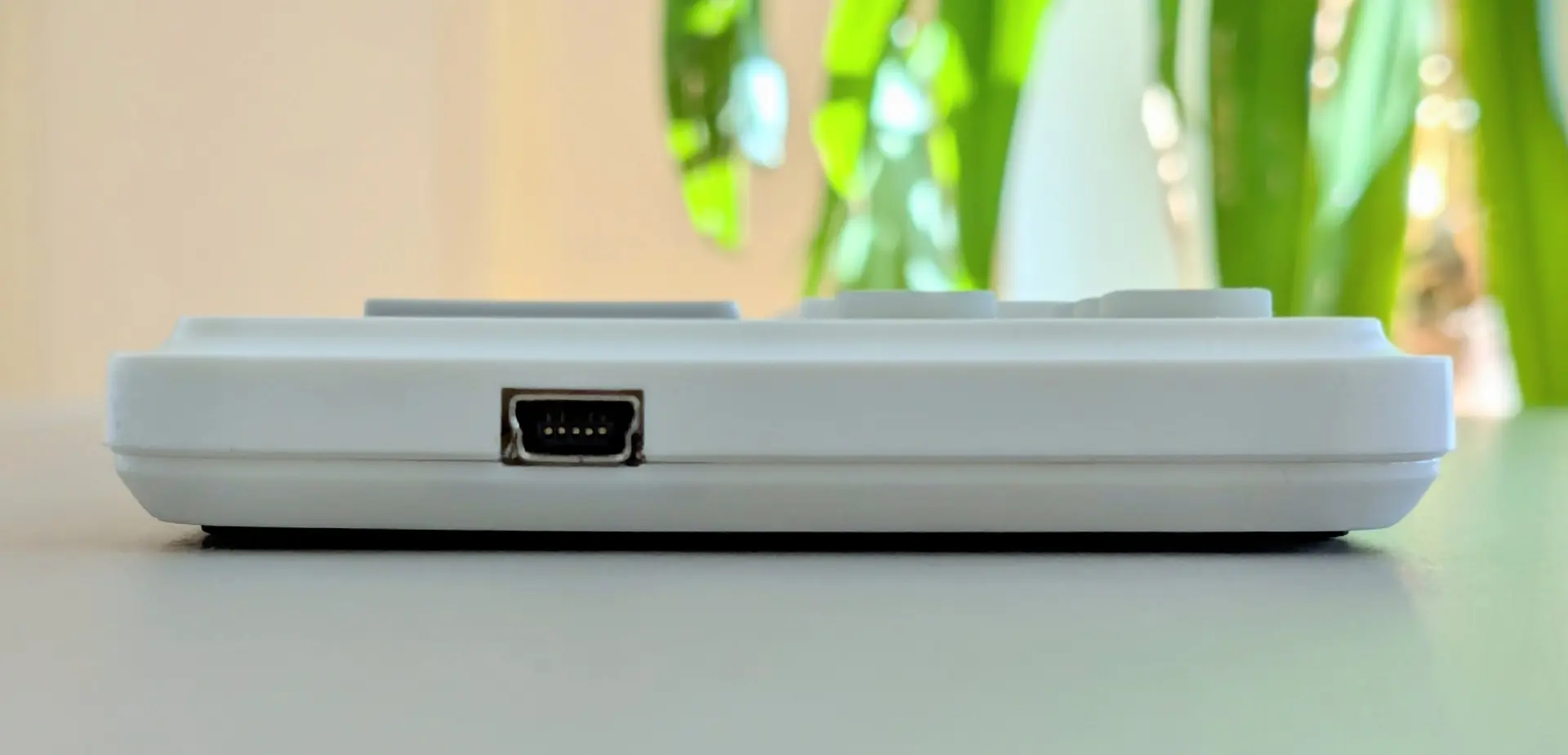
The nanoKEY2 ships with a cable that has a male USB-A connector on one side and a male Mini-USB connector on the other end. The nanoKEY2 device itself has a single socket, which is a female Mini-USB port.
Summary
For playing simple melodies, the nanoKEY2 is a great device - it’s a better altnernative to playing the instruments on Digital Piano App by tapping the keys on your Qwerty keyboard. It’s very reasonably priced and is durable and portable, so we recommend this device.
However, if you are wanting to truly learn how to play the piano, we would recommend using a full-size 88-key keyboard, which has hammer-weighted keys. These type of keys behave much more like the keys on a real acoustic piano do.
Where to buy?
You can buy the Korg nanoKEY2 from Thomann using the link below.
The link above is an affiliate link and we earn a small comission on purchases made through it, which help contribute towards our running costs.