Zoom in/out zoom_in
Show/hide note names abc
Settings
You can use the interface on this page to adjust the default settings of the online piano keyboard.
Shift QWERTY keyboard
The playable QWERTY keyboard begins at ` (the backtick key, located in the bottom left corner) and will play a C2 note. Use the input field below to shift this value up or down, in semitones.
For example, if you want the QWERTY keyboard to play one ocatve higher, enter 12 in the field. If you want it to play one octave lower, enter -12.
Remap your keys
Our online piano has 37 configurable notes that can be mapped to the letters on your computer keyboard. If you need to customise which keys map to which notes, you can do this using the interface below. Simply click the “Remap” button and then press the new key you want to be associated with that note.
Your settings and will be saved and available across all instruments on the website. Use the button below to reset back to the default mapping if required.
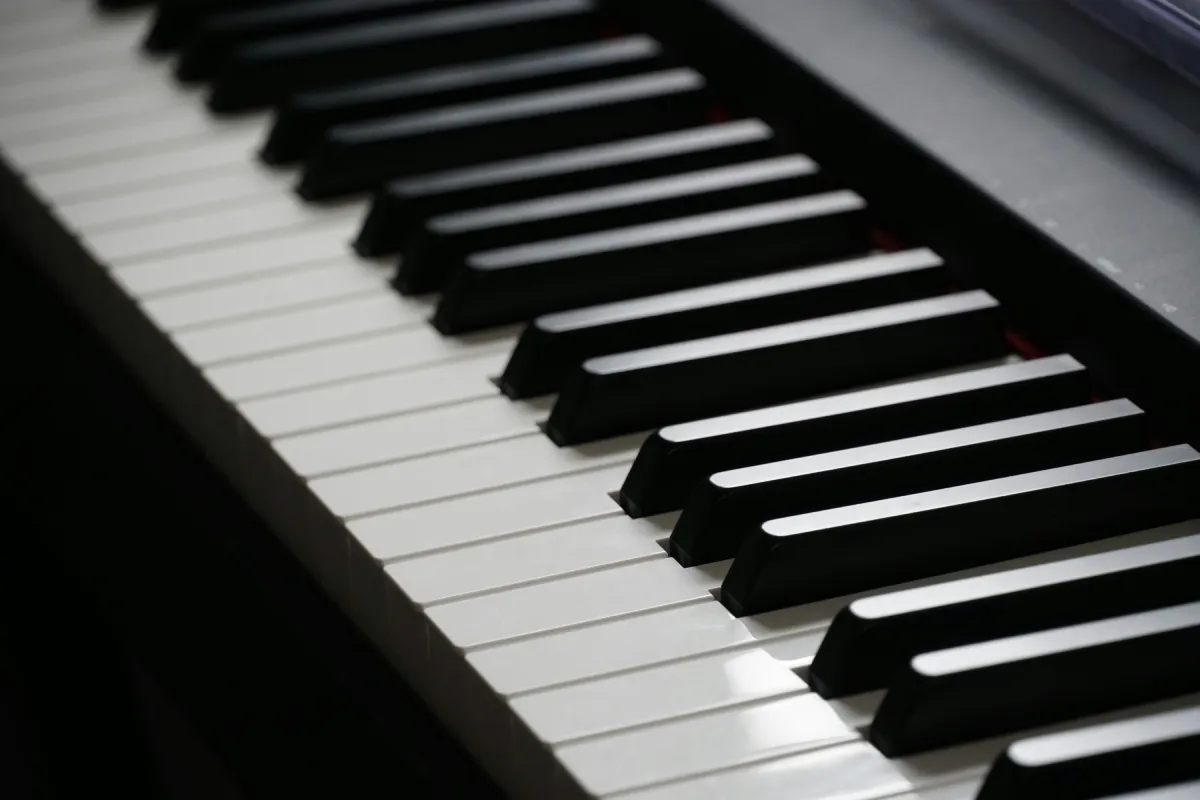 Piano
Piano
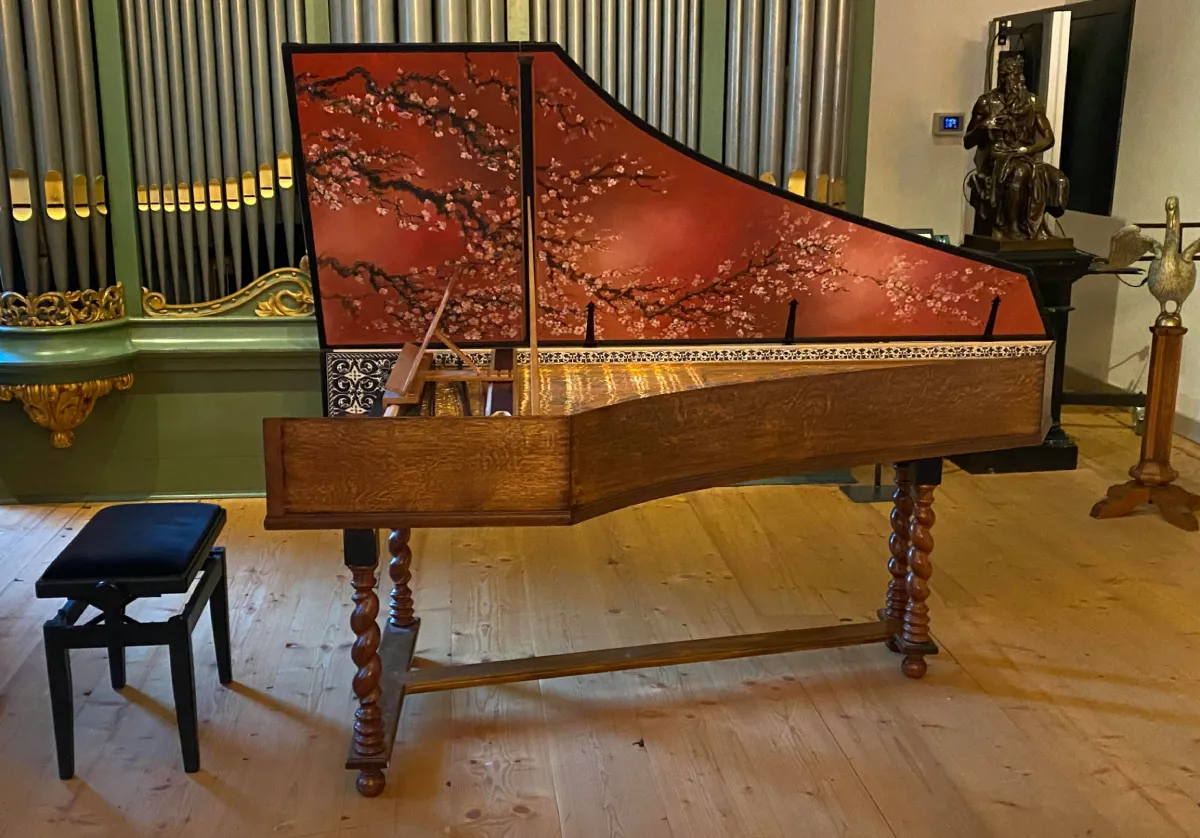 Harpsichord
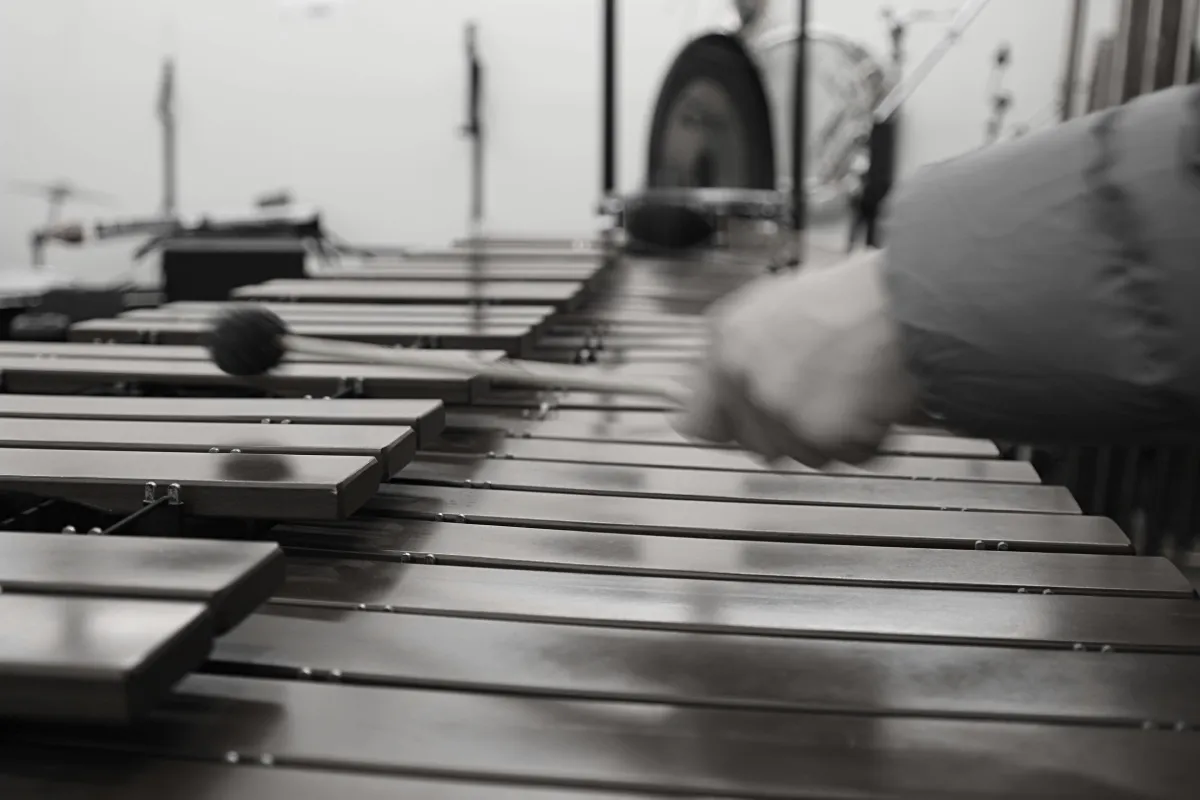 Marimba
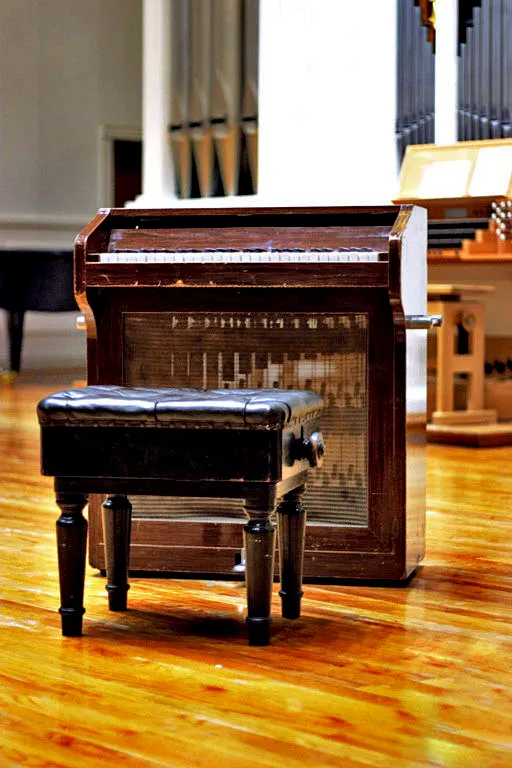 Celesta
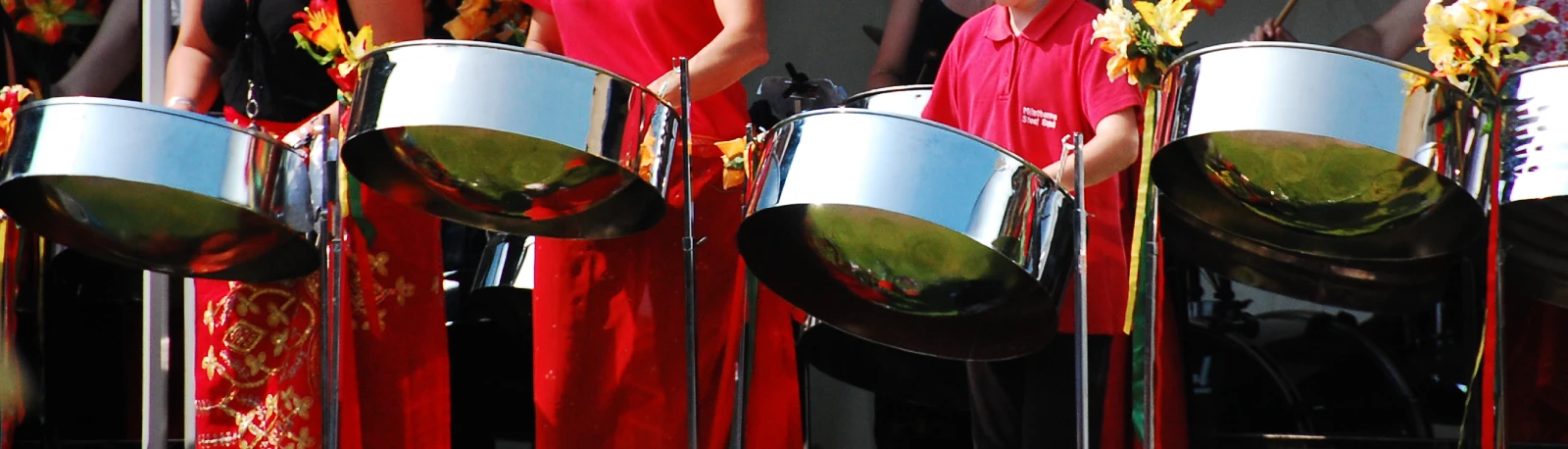 Steelpan (aka Steel Drum)
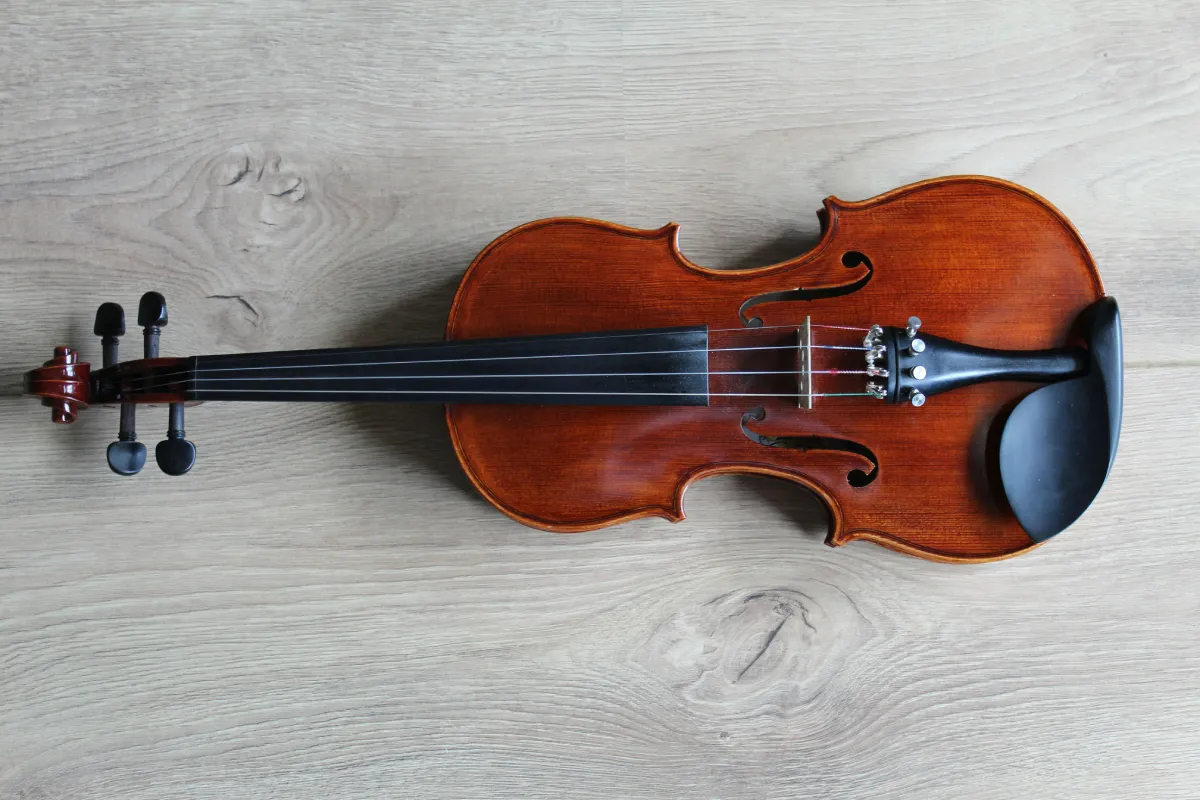 Pizzicato Violin
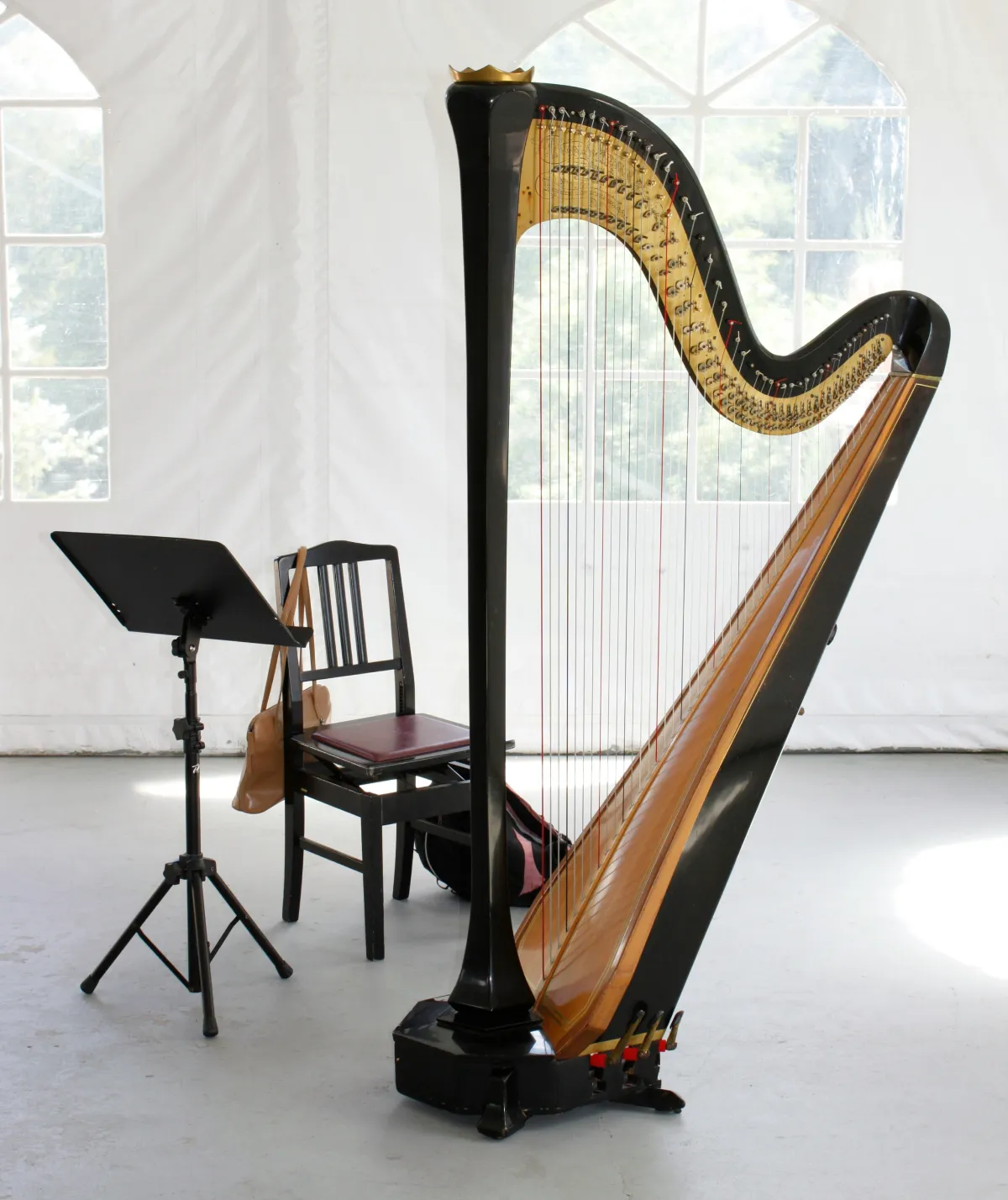 Harp
Harp
 Church Bells
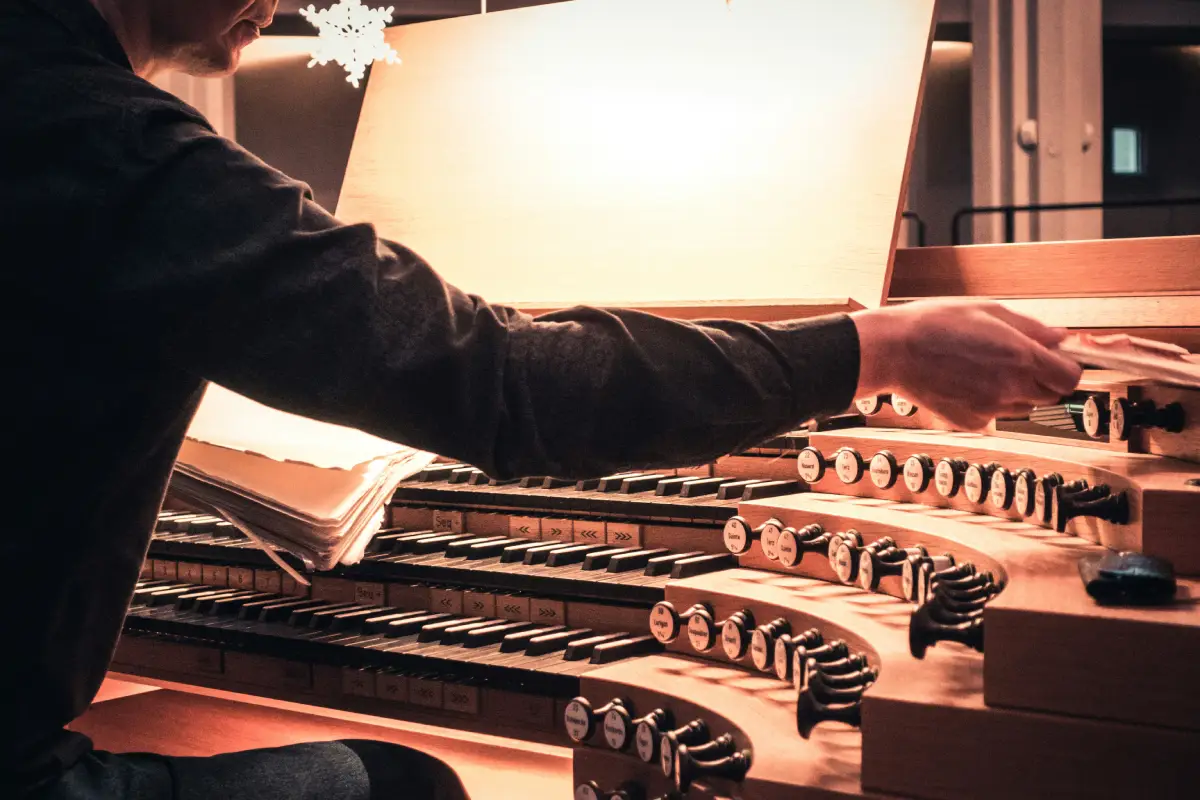 Organ
Organ
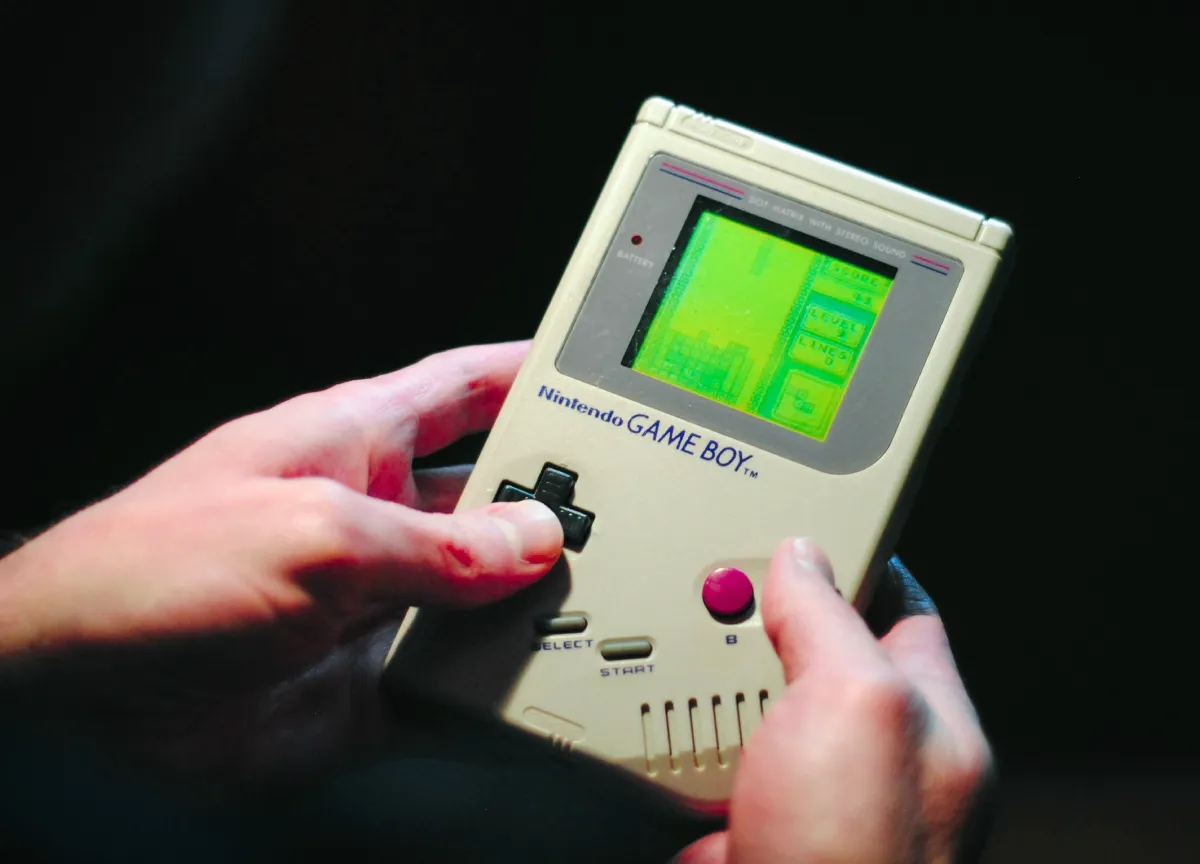 Simple Square Synth
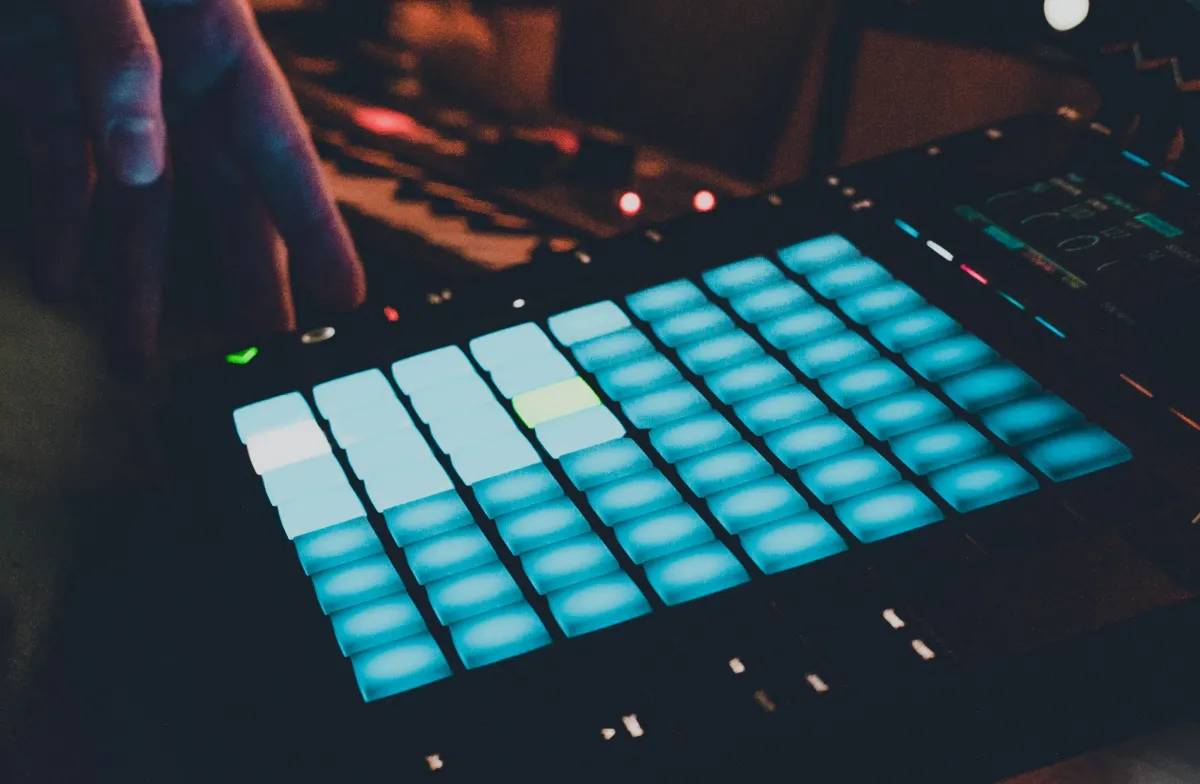 Noise Filter Synth
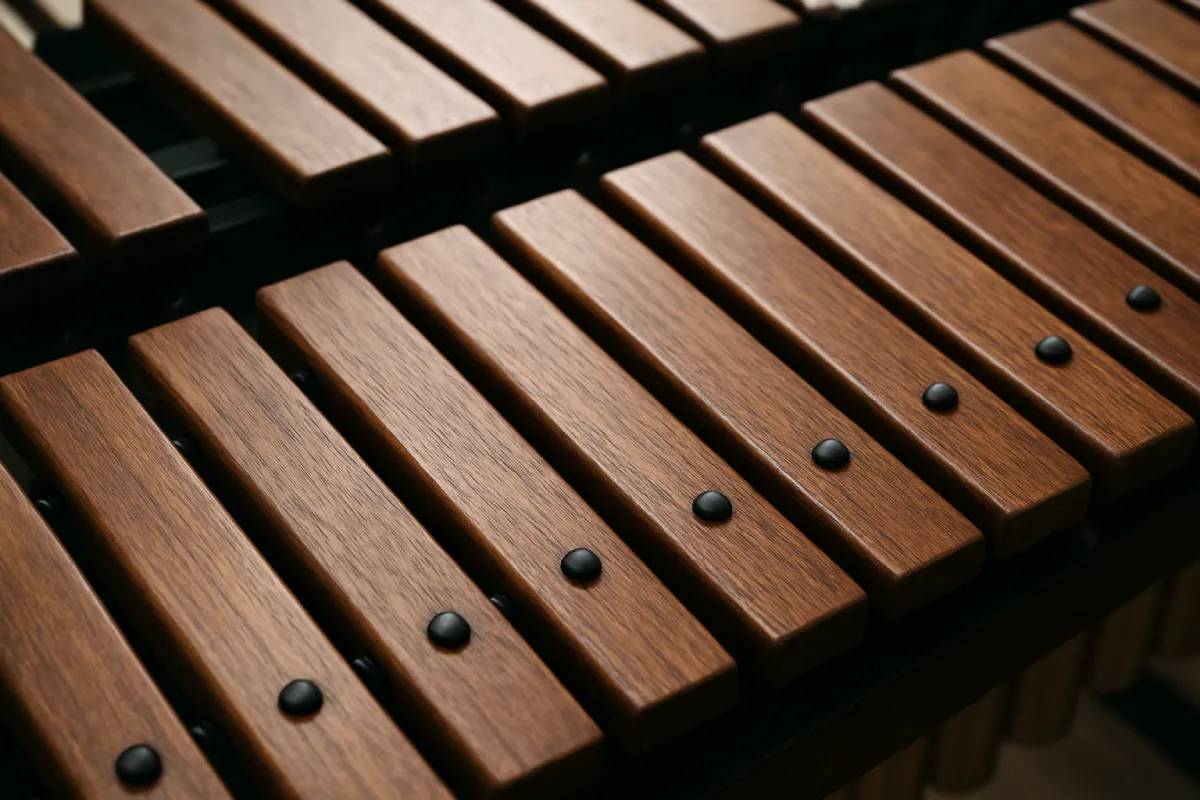 Xylophone
 Banjo
Banjo
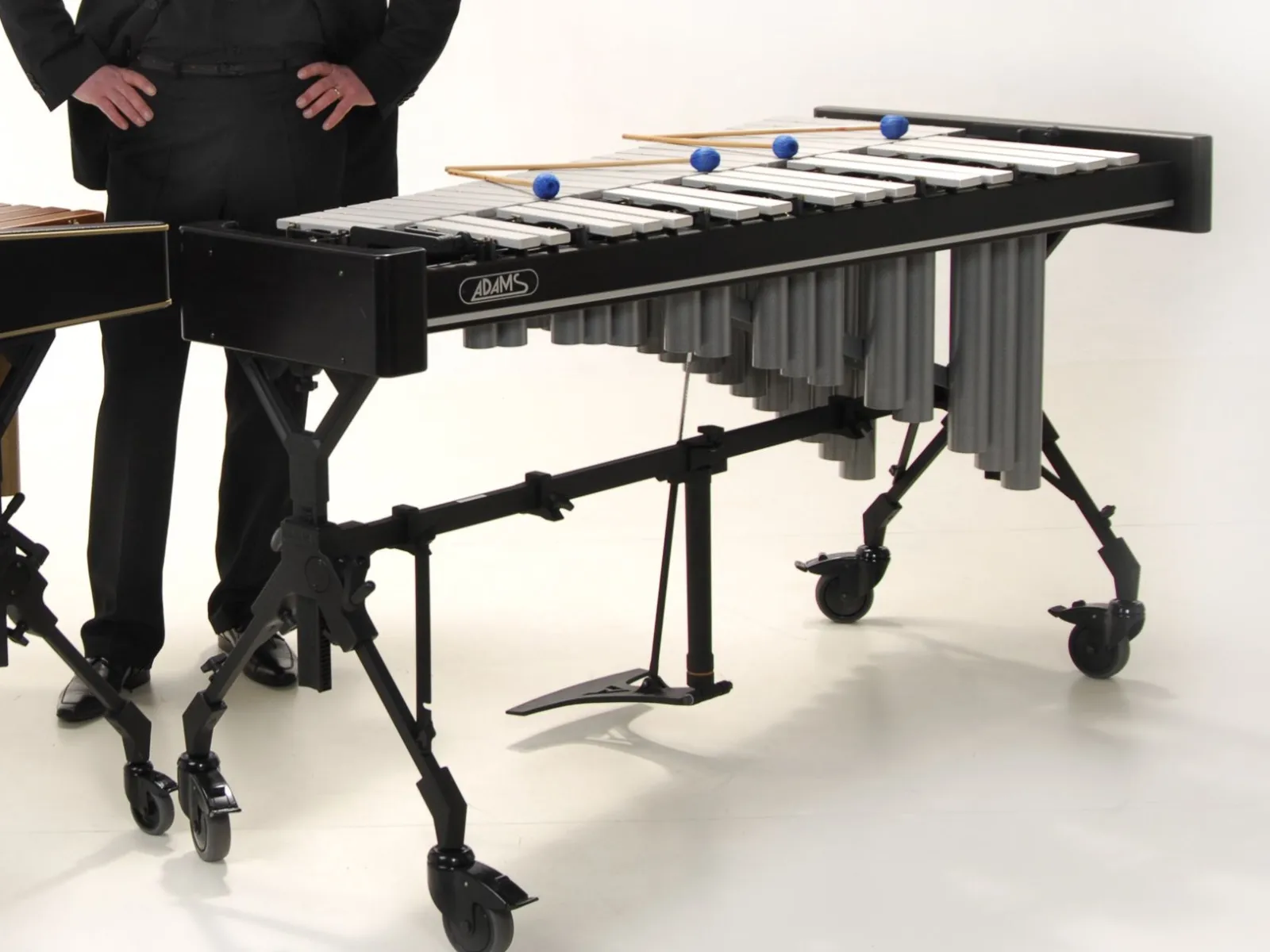 Vibraphone
 432 Hz Piano
 528 Hz Piano
 Honky Tonk Piano
 Trance Strings
 Ukulele